

At your own risk. I am not responsible for any losses.
- First of all. Make sure your printer version is V1.1.5.1
And we have servial accessories need to buy:
| K2 Pro/Plus nozzle camera | GH1.25 5P 10CM |
|---|---|
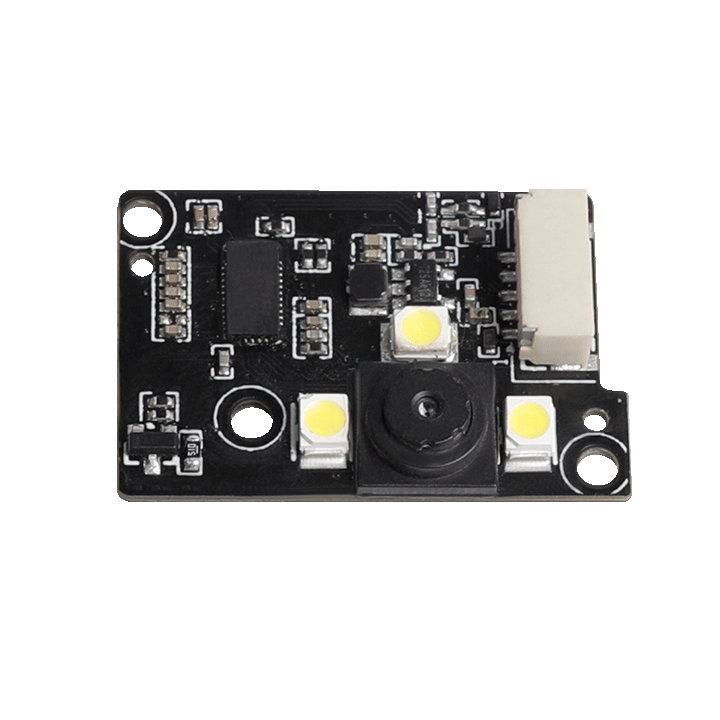 |
Note: You must purchase a cable with the same pinout as the connector! 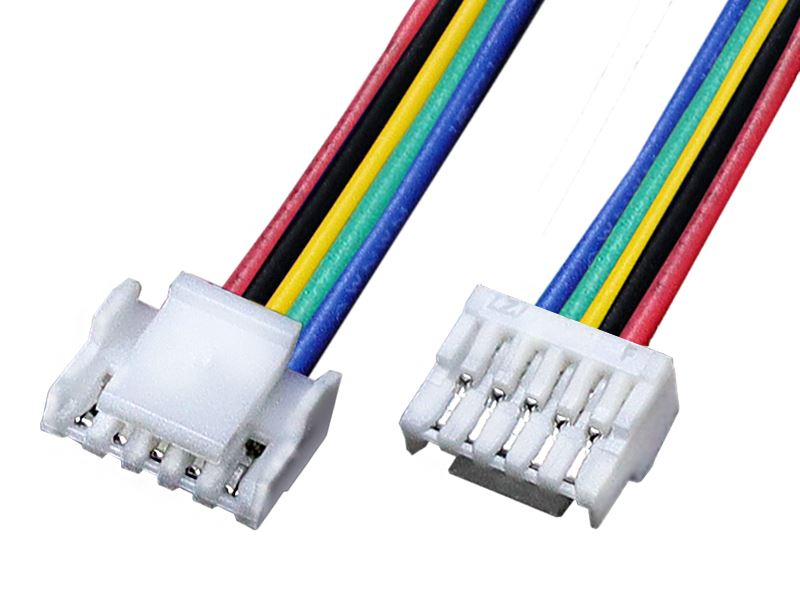 |
- Install the nozzle camera plate onto the print head according to the official tutorial.(https://www.crealitycloud.cn/post-detail/688c69399dcb3eccec4d681b)
- Install WinSCP or other SFTP tool.
- Use WinSCP to login your printer (You can get root account in the setting of your printer)
-
- Edit
/mnt/UDISK/creality/userdata/config/user_print_refer.json
Set value ofaiModeswitchflowDetectflowEmDetectto1
The function offlowDetectModeis currently unclear. - Download modified binary: Download now
- Replace
/usr/bin/master-server
Replace/etc/sysConfig/defData/Auto_pressure_advance_testpadvance.gcode
- Edit
- Now go ahead and enjoy your upgraded K2!
Comments NOTHING